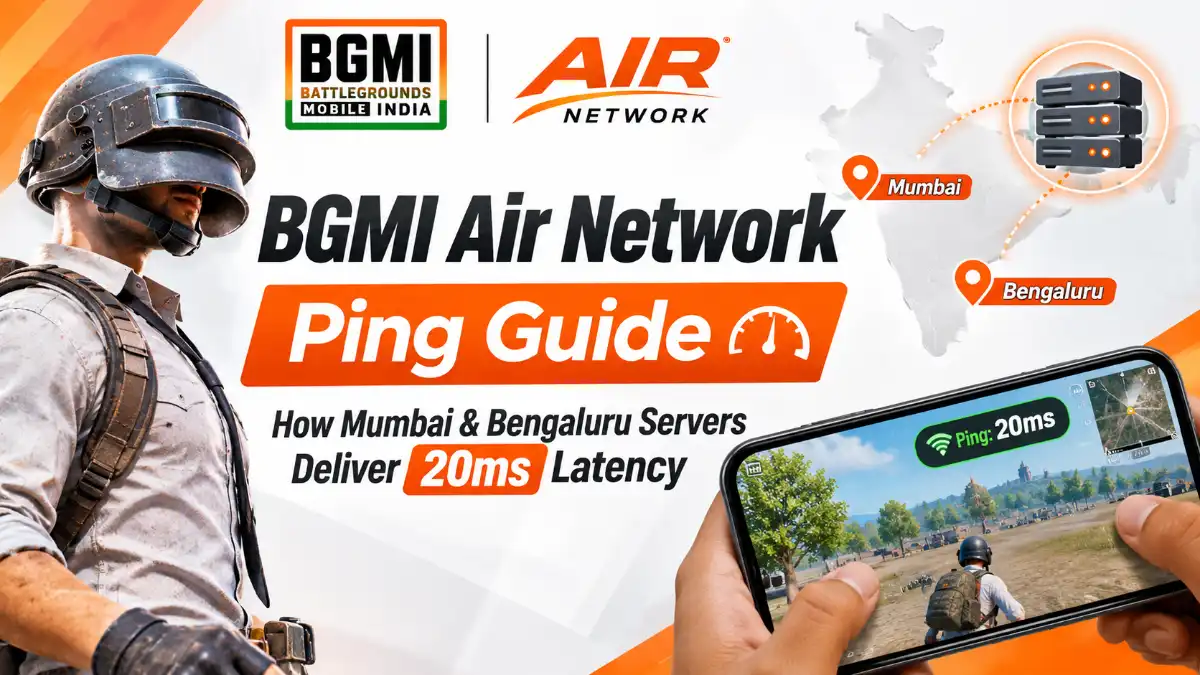
BGMI Air Network Ping Guide: How Mumbai & Bengaluru Servers Deliver 20ms Latency
Learn how BGMI Air delivers stable 20ms to 35ms low ping across India with dedicated Mumbai and Bengaluru servers. Step-by-step ISP optimizations for Jio, Airtel, and Wi-Fi to eliminate lag.
Gaming Writer • 3+ Years BGMI Experience
- Ultra-Low 20ms to 35ms Ping Across Indian States
- Localized Data Centers in Mumbai & Bengaluru
- No VPN Required — Legal & Secure Domestic Routing
- 5 Simple Steps to Fix Sudden Ping Spikes & Packet Loss
- Written by Sarthak Kumar
In fast-paced battle royale games like BGMI Air, your network ping is just as important as your weapon aim. You could have perfect crosshair placement and an M416 loaded with attachments, but if your ping spikes from 30ms to 200ms during a close-range fight, your bullets simply will not register in time.
Many players who played older global versions remember the frustration of high 120ms to 180ms ping, game freezes, and bullets hitting behind cover. That happened because the game servers were located outside India in Singapore or Hong Kong.
With BGMI Air, Krafton has solved this fundamental problem by deploying dedicated, high-speed game servers inside India—specifically in Mumbai and Bengaluru. In this guide, we break down how these domestic servers work, what ping you can expect in your state, and 5 simple, proven steps to get rock-solid 20ms latency on Jio, Airtel, or Wi-Fi without using any risky third-party tools.
What is Ping and Why Does It Matter in BGMI Air?
In very simple words, ping (measured in milliseconds or ms) is the time it takes for your phone to send a signal to the game server and receive a response back. For example, when you press the fire button on your screen, that action travels to the server, registers the bullet hit on an opponent, and sends the confirmation back to your display.
| Ping Range | In-Game Status Indicator | Gameplay Experience | Close Combat Impact |
|---|---|---|---|
| :--- | :--- | :--- | :--- |
| 15ms - 35ms | Green (Ultra Smooth) | Zero input delay, instant bullet registration, smooth peek & fire | Dominant in 1v1 fights |
| 40ms - 65ms | Green (Standard Good) | Very playable, smooth movement, minimal delay | Competitive & reliable |
| 70ms - 110ms | Yellow (Moderate Delay) | Slight bullet delay, occasional micro-stutters during rush | Difficult against low-ping players |
| 120ms - 300ms+ | Red (Severe Lag) | Bullets do not register, players teleport, high desync | Unplayable / instant defeat |
How Mumbai & Bengaluru Servers Deliver 20ms Ping
Krafton's decision to locate servers in both Western and Southern India is a game-changer for Indian mobile players. Here is why this setup provides super-fast connections:
1. Shorter Physical Distance: The closer you are to the physical data center, the faster your network packets travel. A data packet traveling from Delhi to Mumbai takes only 15ms to 20ms over high-speed fiber cables, compared to 110ms when sending data overseas.
2. Smart Geo-Routing: BGMI Air automatically connects you to the nearest data center based on your IP address. Players in Northern, Western, and Central India (like Delhi, Punjab, Gujarat, Rajasthan, and Maharashtra) route to Mumbai. Players in Southern and Eastern India (like Karnataka, Tamil Nadu, Kerala, Andhra Pradesh, Telangana, and West Bengal) route to Bengaluru.
3. Direct ISP Peering: Krafton partners directly with leading Indian telecom providers including Jio, Airtel, and Vodafone Idea. By setting up direct peering points at National Internet Exchanges (NIXI), data skips unnecessary intermediate routers and reaches the game server in fewer 'hops'.
Expected Ping by Region and Major Indian Cities
Depending on where you live in India and what connection you use, here is the realistic ping benchmark you can expect in BGMI Air:
| Region / City | Nearest Game Server | 4G / 5G Mobile Ping | Fiber Wi-Fi Ping (Jio / Airtel) |
|---|---|---|---|
| :--- | :--- | :--- | :--- |
| Mumbai & Pune | Mumbai Server | 15ms - 22ms | 10ms - 18ms |
| Delhi NCR & Haryana | Mumbai Server | 25ms - 35ms | 18ms - 25ms |
| Bengaluru & Mysuru | Bengaluru Server | 12ms - 20ms | 8ms - 15ms |
| Hyderabad & Chennai | Bengaluru Server | 20ms - 30ms | 15ms - 22ms |
| Kolkata & Patna | Bengaluru / Mumbai | 30ms - 45ms | 22ms - 32ms |
| Ahmedabad & Jaipur | Mumbai Server | 20ms - 30ms | 16ms - 24ms |
| Lucknow & Kanpur | Mumbai Server | 28ms - 38ms | 20ms - 28ms |
| Guwahati & Northeast | Bengaluru / Mumbai | 40ms - 55ms | 30ms - 42ms |
5 Simple Steps to Get 20ms Stable Ping on Any Network
You do not need expensive hardware or technical networking knowledge to reduce your ping. Follow these 5 proven, everyday steps:
Connect to the 5 GHz Wi-Fi Band
If you play on home Wi-Fi, always connect to the 5 GHz Wi-Fi network rather than the older 2.4 GHz band. The 2.4 GHz band is crowded with microwaves, smart TVs, and bluetooth signals, causing frequent packet drops. The 5 GHz band offers clean, low-latency transmission for gaming.
Set a Fast Gaming DNS on Your Phone
Go to your phone Settings > Connections / Network > Private DNS. Set it to Private DNS Provider Hostname: 'one.one.one.one' (Cloudflare) or 'dns.google' (Google). This speeds up server name lookups and prevents ISP DNS bottlenecks.
Pause Background App Sync & Streaming
Before starting your match, close YouTube, Instagram Reels, and WhatsApp media auto-downloads. Even a single 10-second reel loading in the background can cause a sudden 200ms ping spike during a critical fight.
Disable Play Store Auto-Updates on Wi-Fi
Open Google Play Store > Settings > Network Preferences > Auto-update apps > select 'Don't auto-update apps'. This stops your phone from silently downloading heavy 500MB app updates while you are in the middle of Erangel.
Toggle Airplane Mode for 5 Seconds on Mobile Data
If you are playing on Jio or Airtel mobile data and your ping suddenly jumps, turn on Airplane Mode for 5 seconds and turn it back off. This forces your phone to reconnect to the strongest nearby cell tower and resets congested network channels.
Wi-Fi vs Mobile Data (Jio & Airtel 5G): Which is Better?
Many players wonder whether they should use home Wi-Fi or their mobile 5G data plan for BGMI Air. Here is a direct, real-world comparison:
| Feature | Fiber Home Wi-Fi (JioFiber / Airtel Xstream) | 5G Mobile Data (Jio True 5G / Airtel 5G Plus) | 4G LTE Mobile Data |
|---|---|---|---|
| :--- | :--- | :--- | :--- |
| Average Ping | 12ms - 25ms (Extremely Stable) | 20ms - 35ms (Fast) | 35ms - 60ms (Acceptable) |
| Packet Loss | Nearly 0% | Less than 1% | 2% - 5% during peak hours |
| Jitter (Fluctuation) | Ultra Low (Flat line) | Low to Medium (depending on room) | Medium (frequent jumps) |
| Battery Consumption | Low (Phone stays cool) | High (5G radios warm up phone) | Medium |
| Verdict | Best for serious rank push & tournaments | Great alternative when away from home | Good for casual matches |
Use native Indian servers with 5 GHz Wi-Fi or stable 5G for lowest 20ms ping
Never use free VPN apps or proxy DNS spoofers — they route your data to international servers, spike ping to 200ms+, and can trigger automated security bans
Why You Should Never Use a VPN for BGMI Air
Some players who played foreign versions of battle royale games have the habit of turning on a VPN before opening their game. In BGMI Air, using a VPN will actually ruin your gaming experience.
Because BGMI Air is legally hosted inside India with dedicated Mumbai and Bengaluru servers, turning on a VPN forces your network traffic to travel to an overseas VPN server (such as Singapore or Germany) before returning to India. This doubles the physical distance and increases your ping from 20ms to 250ms+.
To understand how BGMI Air was built specifically for Indian telecom compliance compared to global releases, read our full breakdown of BGMI Air vs PUBG Mobile Flash Differences. If you play in mixed squads with friends using regular BGMI, learn how matchmaking works in our BGMI Air Cross-Play Guide. If you also experience frame stuttering alongside network latency, pair this guide with our BGMI Air 60 FPS Optimization Guide and check our BGMI Air Sensitivity Settings Guide to calibrate your touch response.
Understanding Packet Loss and Yellow Ping Icons
Have you ever seen your ping display showing 30ms in green, yet your character slides across the floor or your gun refuses to reload? That problem is called packet loss.
Ping measures speed, but packet loss measures data delivery. If your Wi-Fi router drops 5 out of every 100 packets because of weak signal strength or wall interference, the game server misses your actions. Always make sure you are in the same room as your Wi-Fi router or have at least 3 bars of cellular signal when playing rank matches.
Sarthak Kumar is a mobile gaming writer and BGMI player with 3 years of experience testing battle royale games on Android. He shares practical gameplay guides, sensitivity settings for budget phones, and verified news sourced from official announcements.
Frequently Asked Questions
Thanks to dedicated servers located in Mumbai and Bengaluru, most Indian players on fiber Wi-Fi or stable 5G enjoy an average ping of 15ms to 35ms. Even on 4G networks, ping typically stays below 50ms.
Ready to drop into BGMI Air?
Pre-register now on Google Play to unlock the Flash Orange M416 skin and 10M rewards.
Related News & Guides
BGMI Air vs Free Fire MAX: Which Battle Royale is Best for 2GB & 3GB RAM Phones?
BGMI Air vs Free Fire MAX for 2GB and 3GB RAM phones. Compare real download size, RAM usage, 60 FPS graphics, battery heating, and gameplay mechanics.
BGMI Air Account Login Guide: How Existing BGMI IDs Will Sync Safely Without Data Transfer
Learn how to log in to BGMI Air using your existing BGMI ID without data transfer. Safe social sync for Google Play, Apple ID, Facebook, and WhatsApp.
BGMI Air Open Beta Testing Live: How to Join on Google Play, Server Schedule & Bug Reporting
BGMI Air Open Beta Testing is live on Google Play Store. Learn how to join the beta program, daily server timings, device requirements, and report bugs.
BGMI Air Cross-Play Matchmaking Explained: How Playing with Regular BGMI Squads Works
Complete guide to BGMI Air cross-play matchmaking. Learn how budget phone players on BGMI Air can squad up with friends playing regular BGMI on classic maps with shared voice chat.