BGMI Air Open Beta Testing Live: How to Join on Google Play, Server Schedule & Bug Reporting
BGMI Air Open Beta Testing is live on Google Play Store. Learn how to join the beta program, daily server timings, device requirements, and report bugs.
Gaming Writer • 3+ Years BGMI Experience
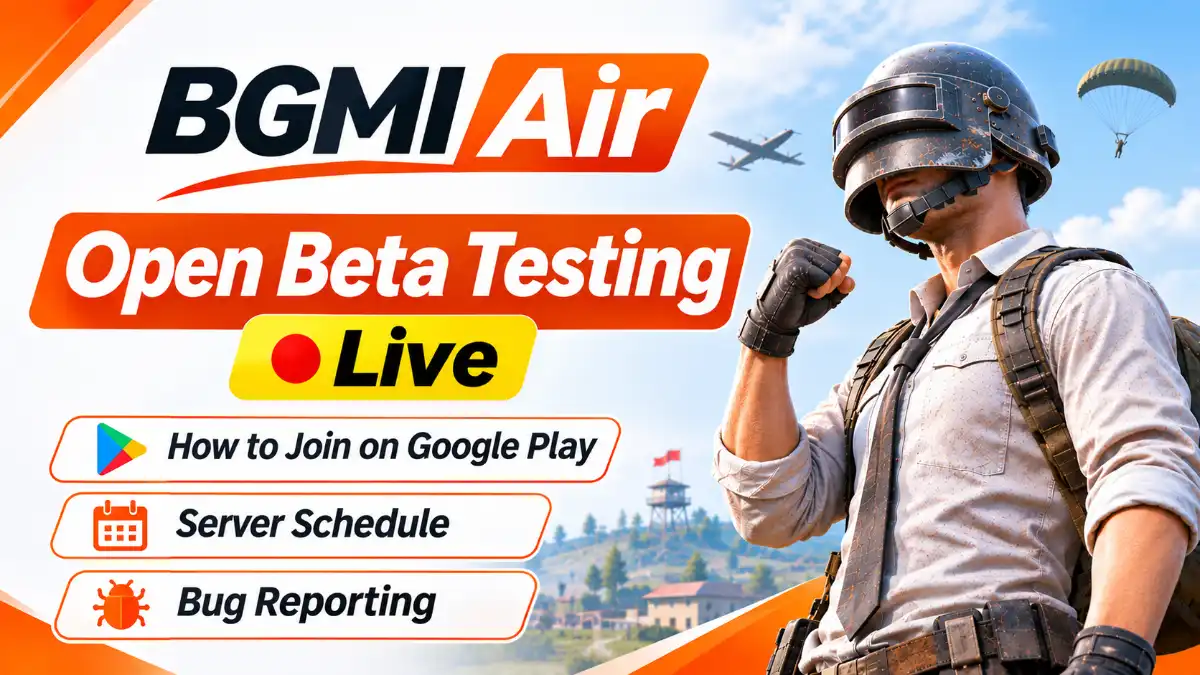
- Open Public Testing Live for Android Users on Google Play
- Daily Server Operating Hours: 10:00 AM to 10:00 PM IST
- Classic Erangel & Livik Available for Testing
- Exclusive 'Beta Pioneer' Title & Avatar Frame Rewards
- Written by Sarthak Kumar
The wait is officially over for Indian mobile battle royale fans! Following the successful completion of private offline auditions (November 20 to 24), Krafton has officially commenced Open Beta Testing (OBT) for BGMI Air across India.
This open beta phase gives everyday players on 2GB, 3GB, and 4GB RAM budget smartphones the first chance to test the game client, experience smooth 60 FPS gunplay, and test network ping on domestic Mumbai and Bengaluru servers ahead of the December 10 launch.
In this complete guide, we walk you through how to join the official Google Play tester program, the daily server schedule, what to do if beta slots are temporarily full, whether your beta rank data carries over, and how to report bugs directly to Krafton developers.
What is BGMI Air Open Beta Testing (OBT)?
Unlike the earlier closed audition phase where only selected players could participate under strict Non-Disclosure Agreements (NDA), Open Beta Testing is open to the wider public on Android. Anyone with a compatible Android phone running Android 7.0 or higher can enroll through the Google Play Store.
The primary purpose of this testing phase is server stress testing and device compatibility optimization. Krafton's engineering team is actively gathering real-world performance telemetry from popular budget chipsets—including MediaTek Helio G35/G88, Unisoc T606/T612, and Snapdragon 680—to ensure zero frame drops on launch day.
Open Beta Testing vs Official Launch: Key Differences
To help you understand what to expect during this testing window, here is a direct comparison between the Open Beta and the upcoming public release:
| Testing Feature | Open Beta Testing (OBT) | Official Launch (Dec 10, 2026) |
|---|---|---|
| :--- | :--- | :--- |
| Platform Availability | Android (Google Play Tester Program) | Android & iOS (Simultaneous Full Release) |
| Playable Maps | Classic Erangel & Livik (Modular) | All Classic Maps & Seasonal Event Modes |
| Daily Server Windows | 10:00 AM - 10:00 PM IST (Nightly maintenance) | 24/7 Always Online Live Servers |
| Account Rank & Tier Points | Wiped before launch (Fair play reset) | Permanent Seasonal Tier Progression |
| Tester Exclusive Rewards | Permanent 'Beta Pioneer' Title & Avatar Frame | 14M Pre-Registration Milestone Skins |
| In-Game Shop & UC | Disabled (Free test crates provided) | Full Royale Pass & In-Game Shop Active |
| Base Download Size | ~942 MB Lightweight Package | ~942 MB Modular Store Build |
Daily Server Schedule & Maintenance Windows
During the Open Beta, servers do not run 24 hours a day. Krafton uses nightly maintenance windows to analyze crash logs, deploy hotfixes, and optimize server routing. Here is the daily server schedule:
| Server Testing Phase | Operating Hours (IST) | Target Activity & Purpose |
|---|---|---|
| :--- | :--- | :--- |
| Morning Testing Window | 10:00 AM - 02:00 PM IST | Classic Erangel Solo & Squad Matchmaking |
| Afternoon Optimization | 02:00 PM - 05:00 PM IST | Server load balancing & quick database syncing |
| Peak Evening Rush | 05:00 PM - 10:00 PM IST | Heavy Squad Matchmaking & 20ms Latency Testing |
| Nightly Server Maintenance | 10:00 PM - 10:00 AM IST | Bug patching, log analysis, and server restart |
5 Simple Steps to Join BGMI Air Open Beta on Google Play
Enrolling in the official Google Play testing program takes less than two minutes. Follow these simple steps on your Android device:
Open BGMI Air on Google Play Store
Open the Google Play Store app on your smartphone and search for BGMI Air (official package: com.krafton.bgmilite) using your primary Google account.
Scroll Down to 'Join the Beta' Section
On the store listing page, scroll down below the developer contact information until you see the section titled 'Join the beta'.
Tap 'Join' and Wait for Enrollment
Tap the green 'Join' button. Google Play will display 'Joining beta...'. Wait 3 to 10 minutes while Google registers your Gmail ID into the testing database.
Download the Verified ~942MB Beta Client
Once enrolled, the button will change to 'Update' or 'Install'. Tap it to download the official lightweight client directly from Google Play.
Launch and Sign In with Your Social ID
Open the game, accept the testing guidelines, and log in with your Google Play Games, Facebook, or WhatsApp ID to claim your tester status.
What to Do if Google Play Says 'Beta Program is Full'?
Because millions of Indian players are eager to test BGMI Air, Google Play may temporarily show the message: 'Beta program is currently full.'
If you see this message, do not panic and never download unverified APK files from unknown websites. Krafton releases testing slots in progressive waves (batches of 50,000 to 100,000 slots) throughout the day as inactive testers are cleared.
Keep checking the Google Play listing every few hours, or visit our dedicated BGMI Air APK Download Page where we track verified package details and official slot opening alerts in real time.
How to Report Bugs & Glitches to Krafton Developers
The main job of a beta tester is to help developers find and fix bugs before the final release. If you encounter an invisible wall, audio glitch, button overlap on a small screen, or sudden frame drop, here are 3 easy ways to report it:
1. In-Game Feedback Tool: Tap the Settings cog icon in the lobby > select Customer Service / Feedback > tap Report Bug. Attach a screenshot and brief description.
2. Official Discord Channel: Join the verified Krafton Community Discord and post your report in the #bgmi-air-beta-feedback channel with your smartphone model, Android version, and a short video clip.
3. Google Play Private Beta Feedback: Open the BGMI Air listing on Google Play and use the 'Private feedback to developer' text box to leave direct notes that only Krafton engineers can view.
Submit clear bug reports with your phone model and Android version to earn the exclusive tester avatar
Never install modified APK files or GFX tools during the beta as Krafton anti-cheat runs active security scans
Network Optimization & Squad Cross-Play in Beta
To ensure your beta gameplay runs at ultra-low latency, check out our BGMI Air Network Ping Guide for Mumbai and Bengaluru server routing tips. To understand how your existing profile and skins sync without data transfer, read our BGMI Air Account Login Guide. If your friends are playing on regular BGMI or different devices, read our complete BGMI Air Cross-Play Guide to understand how mixed squads work together.
For hardware tweaks and sensitivity calibration on 2GB and 3GB RAM devices, refer to our BGMI Air 60 FPS Optimization Guide and BGMI Air Sensitivity Settings Guide.
Sarthak Kumar is a mobile gaming writer and BGMI player with 3 years of experience testing battle royale games on Android. He shares practical gameplay guides, sensitivity settings for budget phones, and verified news sourced from official announcements.
Frequently Asked Questions
Yes! The Open Beta is available to Indian players running Android 7.0 or higher. You simply need to tap 'Join the beta' on the official Google Play Store listing while testing slots are open.
Ready to drop into BGMI Air?
Pre-register now on Google Play to unlock the Flash Orange M416 skin and 10M rewards.
Related News & Guides
BGMI Air vs Free Fire MAX: Which Battle Royale is Best for 2GB & 3GB RAM Phones?
BGMI Air vs Free Fire MAX for 2GB and 3GB RAM phones. Compare real download size, RAM usage, 60 FPS graphics, battery heating, and gameplay mechanics.
BGMI Air Account Login Guide: How Existing BGMI IDs Will Sync Safely Without Data Transfer
Learn how to log in to BGMI Air using your existing BGMI ID without data transfer. Safe social sync for Google Play, Apple ID, Facebook, and WhatsApp.
BGMI Air Cross-Play Matchmaking Explained: How Playing with Regular BGMI Squads Works
Complete guide to BGMI Air cross-play matchmaking. Learn how budget phone players on BGMI Air can squad up with friends playing regular BGMI on classic maps with shared voice chat.
BGMI Air Network Ping Guide: How Mumbai & Bengaluru Servers Deliver 20ms Latency
Learn how BGMI Air delivers stable 20ms to 35ms low ping across India with dedicated Mumbai and Bengaluru servers. Step-by-step ISP optimizations for Jio, Airtel, and Wi-Fi to eliminate lag.