How to Install BGMI Air on Any Android Device: Store Setup & Guide
Complete step-by-step tutorial to pre-registering and installing BGMI Air via Google Play Store and Apple App Store without complex setups. Includes troubleshooting fixes.
Gaming Writer • 3+ Years BGMI Experience
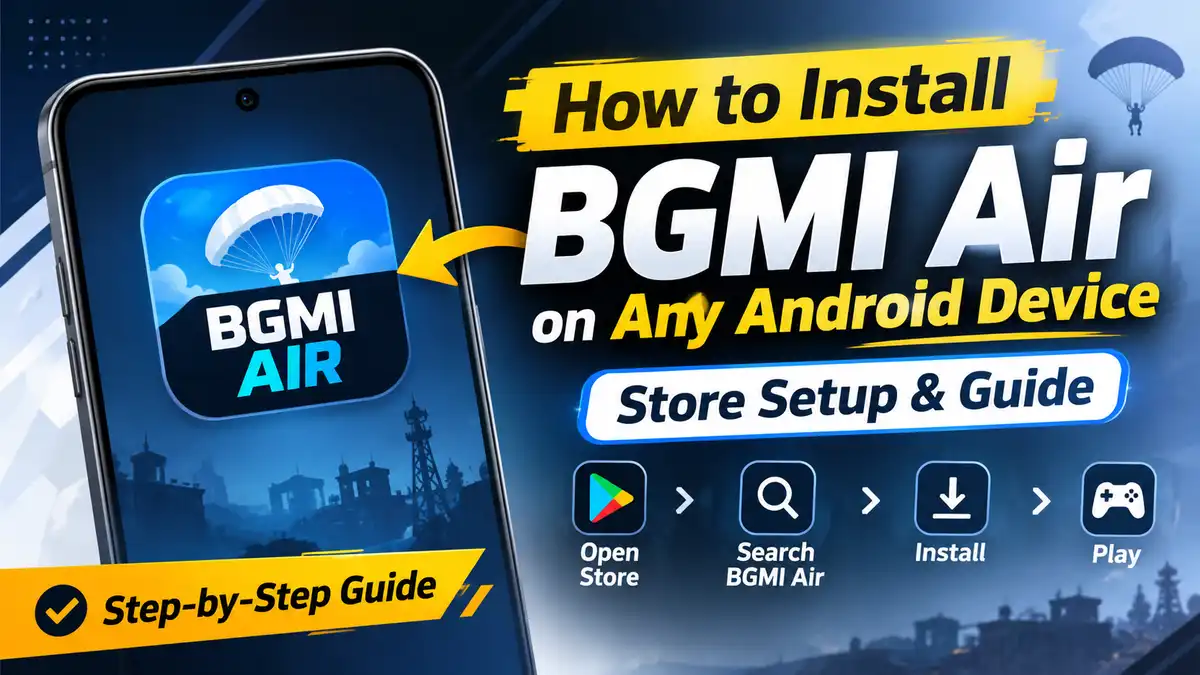
- Distribution: 100% via Official Google Play & App Store
- OBB Files: Zero OBB extraction or folder moving needed
- Base Size: ~942 MB quick download
- Android Version: Android 7.0 (Nougat) or newer
- Day 1 Rewards: 14M milestone rewards delivered automatically
Installing battle royale games on Android has often been a frustrating experience. For years, installing regular BGMI required downloading a separate APK file, extracting multi-gigabyte ZIP archives, and manually moving OBB files into Android/obb folders using third-party file managers.
With BGMI Air, installation is streamlined directly through official app stores. Here is our comprehensive guide to pre-registering and installing it on any Android or iOS device.
System Requirements Check Before You Begin
Before downloading, ensure your smartphone meets these minimum hardware and software requirements:
Operating System: Android 7.0 (Nougat) or newer (fully compatible with Android 8, 9, 10, 11, 12, 13, 14, and 15).
RAM: 2 GB minimum (3 GB or 4 GB strongly recommended for silky-smooth 60 FPS gameplay).
Free Internal Storage: At least 2.5 GB of free space to allow smooth installation, asset decompression, and cache buffer.
Processors: Snapdragon 430/680/720G, MediaTek Helio G35/G85/G88/G99, Dimensity 6000 series, or Unisoc T606/T616.
Step-by-Step Installation Guide (Zero OBB Required)
Follow these simple steps to install the game safely on your phone:
Open Official Google Play Store or App Store
Open the Google Play Store (for Android) or Apple App Store (for iOS) and search for 'BGMI Air' published by KRAFTON, Inc.
Tap Pre-Register or Install
Tap the 'Pre-register' button. Both app stores allow automatic installation as soon as the launch goes live on December 10, 2026.
Verify Device Storage
Ensure your smartphone has at least 2.5 GB of free internal storage so the operating system can unpack assets smoothly.
Launch and Sign In
Once installed via the store, launch the game and sign in directly using your existing BGMI ID via Google Play Games, Apple ID, Facebook, or WhatsApp.
How to Fix Common Installation Errors
If you run into any issues during installation, here are quick, proven solutions:
| Error Message | Probable Cause | Instant Solution |
|---|---|---|
| :--- | :--- | :--- |
| App Not Installed | Insufficient internal phone storage | Free at least 3 GB of phone storage and reboot |
| Problem Parsing Package | Device running older Android 6 or 5 | Update smartphone firmware to Android 7.0+ |
| Download Pending / Stalled | Google Play Store cache clogged | Settings > Apps > Google Play > Clear Cache |
| Server Authentication Failed | Trying to connect before launch day | Wait for official server open on Dec 10, 2026 |
Recommended In-Game Settings for 60 FPS on 2GB & 3GB RAM
Once inside the lobby, adjust your graphics settings to maximize smoothness and eliminate frame drops:
| In-Game Setting | Recommended Value | Reason / Benefit |
|---|---|---|
| :--- | :--- | :--- |
| Graphics | Smooth | Lowers GPU workload and eliminates thermal throttling |
| Frame Rate | Ultra (45 FPS) or Extreme (60 FPS) | Unlocks highest refresh rate supported by your phone |
| Color Style | Colorful | Highlights player models against grass and shadows |
| Anti-Aliasing | Disabled (Off) | Prevents processor overheating on budget chipsets |
| Auto-Adjust Graphics | Disabled (Off) | Stops jarring FPS drops during close-range 1v1 fights |
Use 'Smooth' graphics with 'Extreme' FPS for constant frame rates
Never install modified APKs or third-party config files that risk permanent account bans
For detailed hardware benchmarks across budget chipsets and extra lag-fix tweaks, check our full BGMI Air System Requirements & 60 FPS Guide. Once your game is installed, visit our BGMI Air Sensitivity Settings Guide to lock your recoil controls.
Sarthak Kumar is a mobile gaming writer and BGMI player with 3 years of experience testing battle royale games on Android. He shares practical gameplay guides, sensitivity settings for budget phones, and verified news sourced from official announcements.
Frequently Asked Questions
No! BGMI Air is distributed directly through the Google Play Store and Apple App Store, handling all file installation automatically without manual OBB management.
Ready to drop into BGMI Air?
Pre-register now on Google Play to unlock the Flash Orange M416 skin and 10M rewards.
Related News & Guides
BGMI Air vs Free Fire MAX: Which Battle Royale is Best for 2GB & 3GB RAM Phones?
BGMI Air vs Free Fire MAX for 2GB and 3GB RAM phones. Compare real download size, RAM usage, 60 FPS graphics, battery heating, and gameplay mechanics.
BGMI Air Account Login Guide: How Existing BGMI IDs Will Sync Safely Without Data Transfer
Learn how to log in to BGMI Air using your existing BGMI ID without data transfer. Safe social sync for Google Play, Apple ID, Facebook, and WhatsApp.
BGMI Air Open Beta Testing Live: How to Join on Google Play, Server Schedule & Bug Reporting
BGMI Air Open Beta Testing is live on Google Play Store. Learn how to join the beta program, daily server timings, device requirements, and report bugs.
BGMI Air Cross-Play Matchmaking Explained: How Playing with Regular BGMI Squads Works
Complete guide to BGMI Air cross-play matchmaking. Learn how budget phone players on BGMI Air can squad up with friends playing regular BGMI on classic maps with shared voice chat.